
Choose a keycap color beyond the screen
Use your keyboard setup, product photographs and physical samples to discuss a keycap color without relying on a screen swatch alone.
Read guideTitanium. In full color.
Browse ti keycaps with anime and game character artwork for your keyboard. At TiKeycaps, compare real product photographs, find a design that suits your setup, or talk to us about your own idea.

Oxide spectrum
Gold, rose, violet and electric blue give you a starting palette inspired by oxidized titanium. Look at the colors already on your desk, then choose whether an accent key should echo them or bring a different tone into the setup.
These are illustrative color directions for ti keycaps. Compare the finish shown in each product listing; a screen swatch does not confirm the color of a physical item.
Selected designs
Choose ti keycaps by the character you want beside you. Compare character artwork, graphic details and sizes across the wider collection. These selected designs are a starting point: view the full shop for more options. Study each product photograph, then open the listing to check the size, item-specific price, finish and current availability of your preferred ti keycaps.
View all keycaps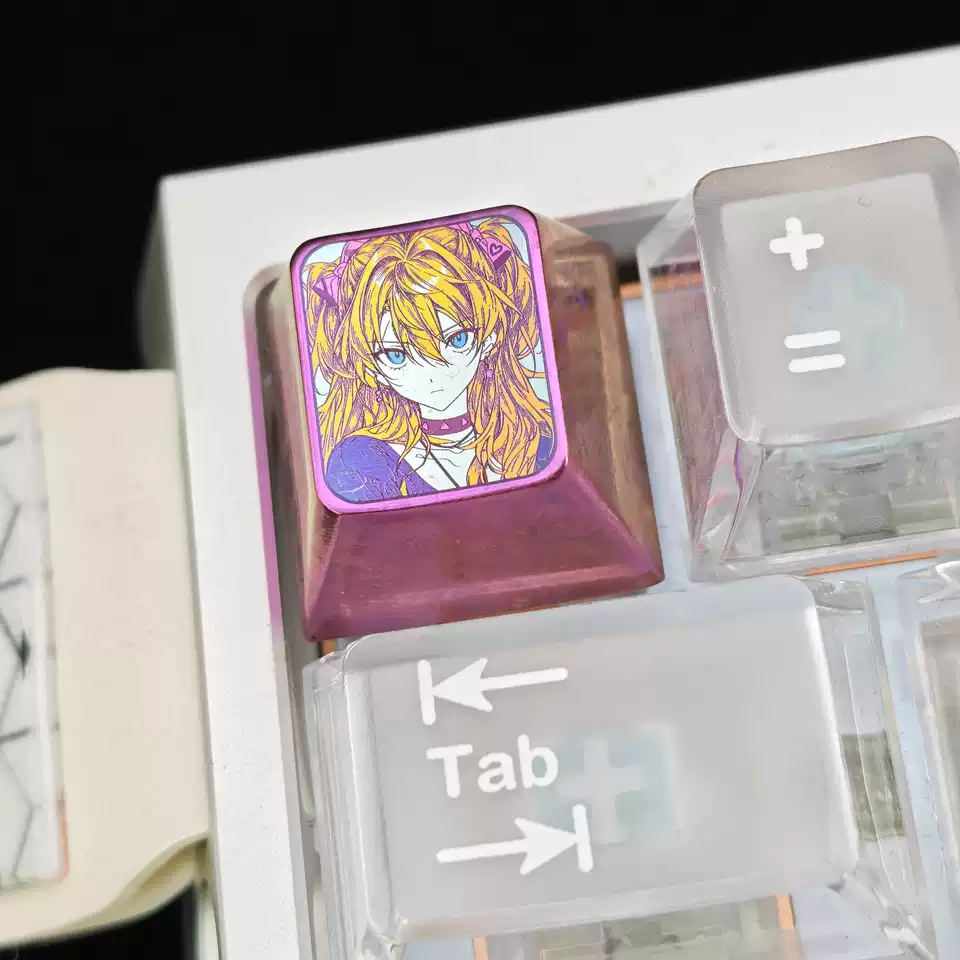 Featured
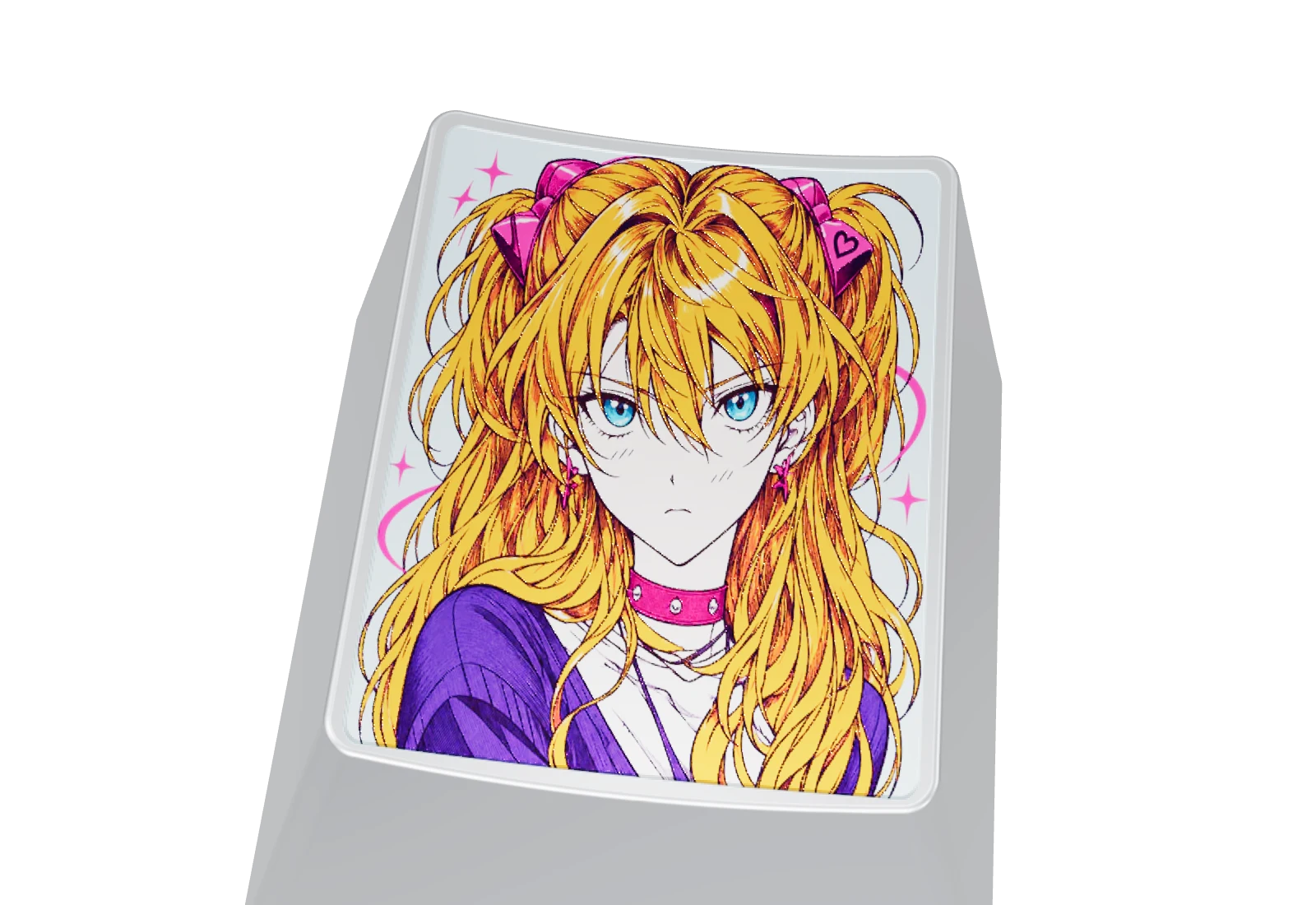
Asuka artwork on a 1U titanium keycap, shown in product photographs. Confirm switch fit and available stock before ordering.
 Featured
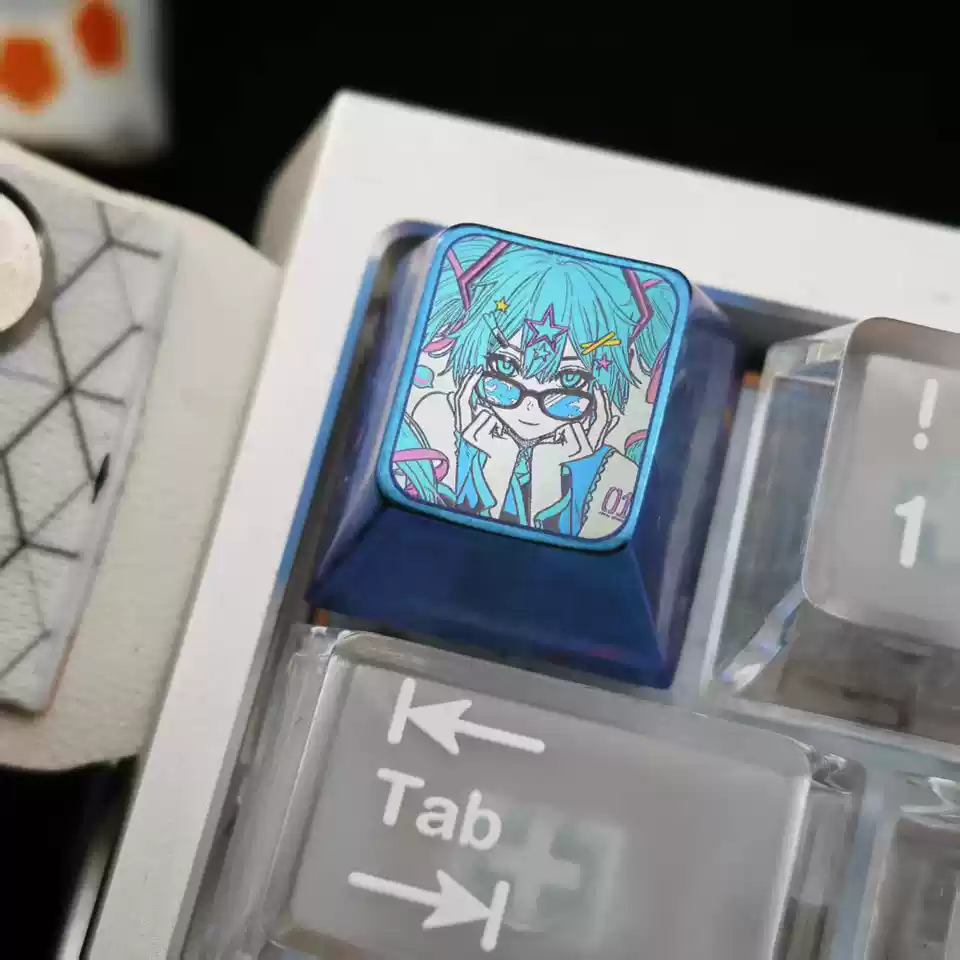
Hatsune Miku artwork on a 1U titanium keycap, shown in product photographs. Confirm switch fit and available stock before ordering.
 Featured
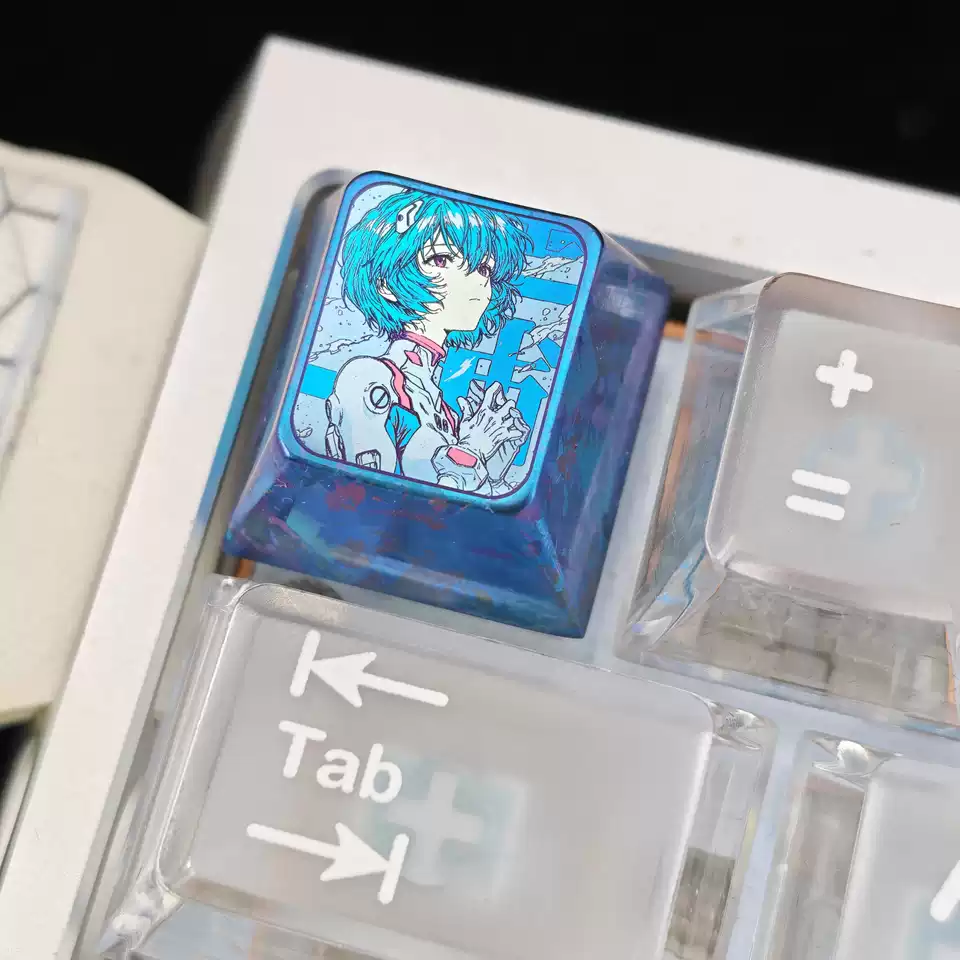
Rei Ayanami artwork on a 1U titanium keycap, shown in product photographs. Confirm switch fit and available stock before ordering.
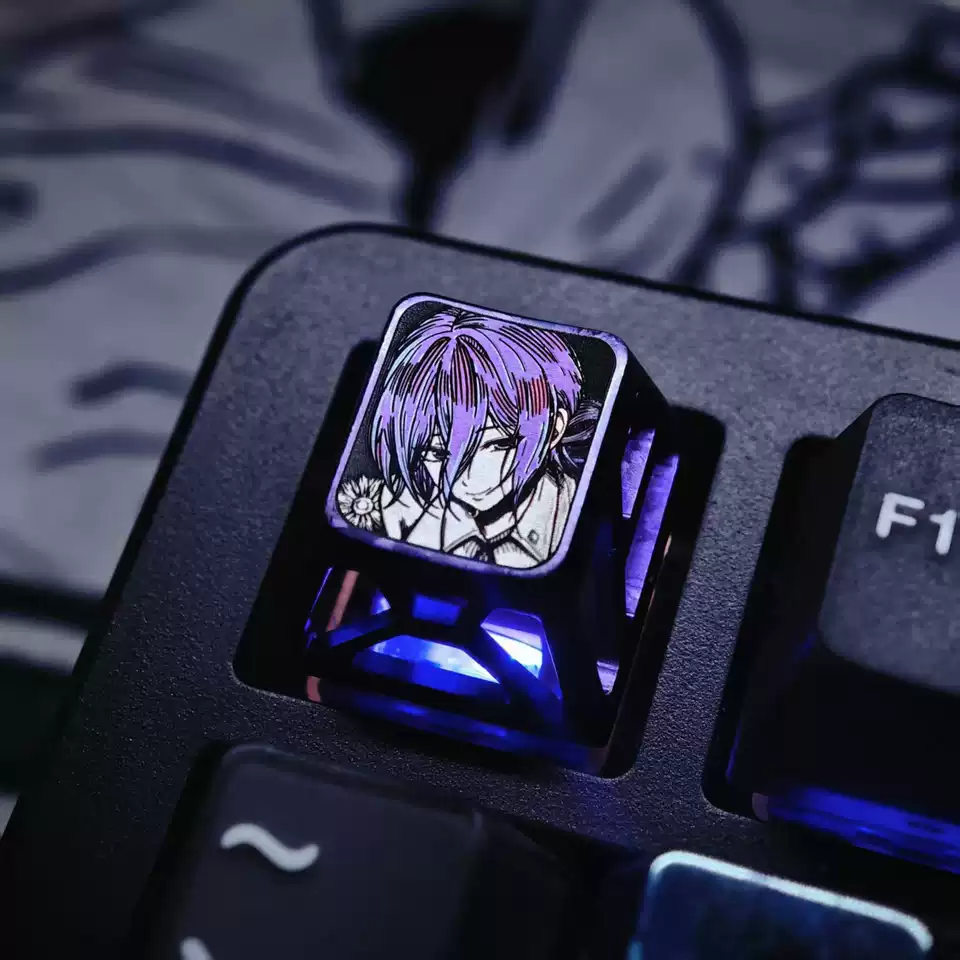 Featured
Reze artwork on a 1U titanium keycap, shown in product photographs. Confirm switch fit and available stock before ordering.
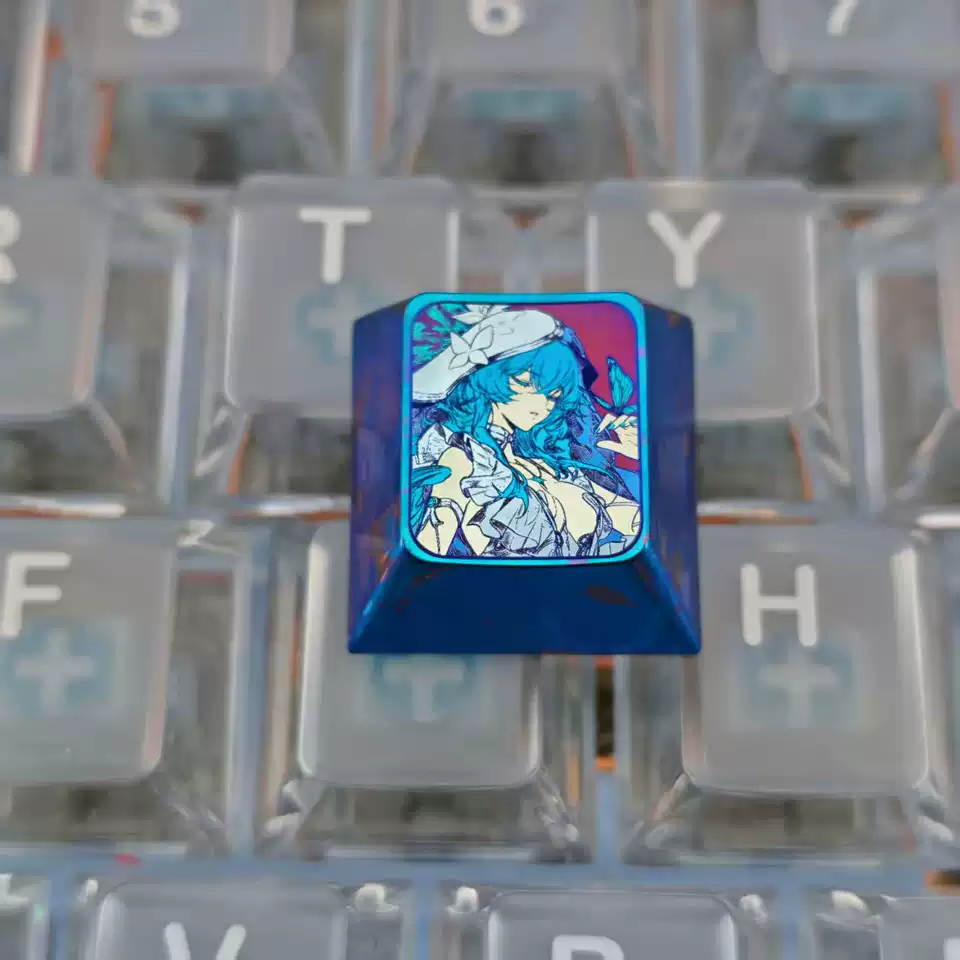 Featured
Shorekeeper artwork on a 1U titanium keycap, shown in product photographs. Confirm switch fit and available stock before ordering.
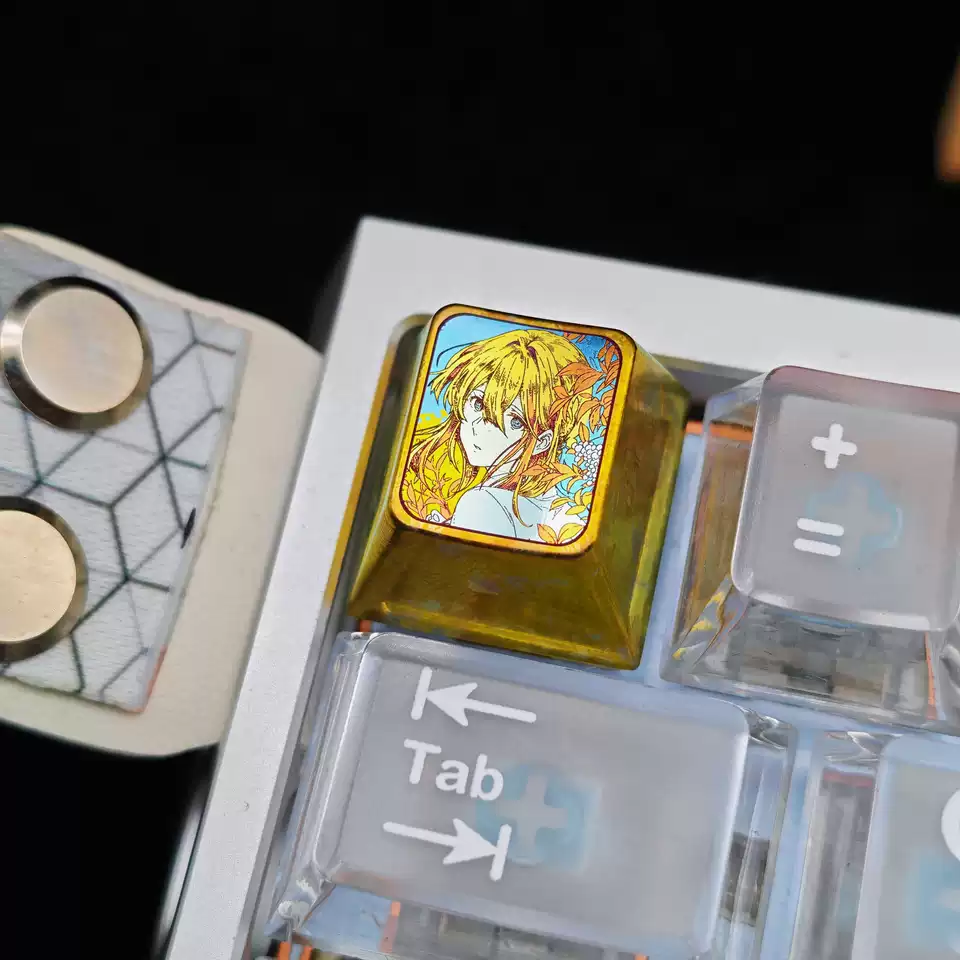 Featured
Violet Evergarden artwork on a 1U titanium keycap, shown in product photographs. Confirm switch fit and available stock before ordering.
A closer look
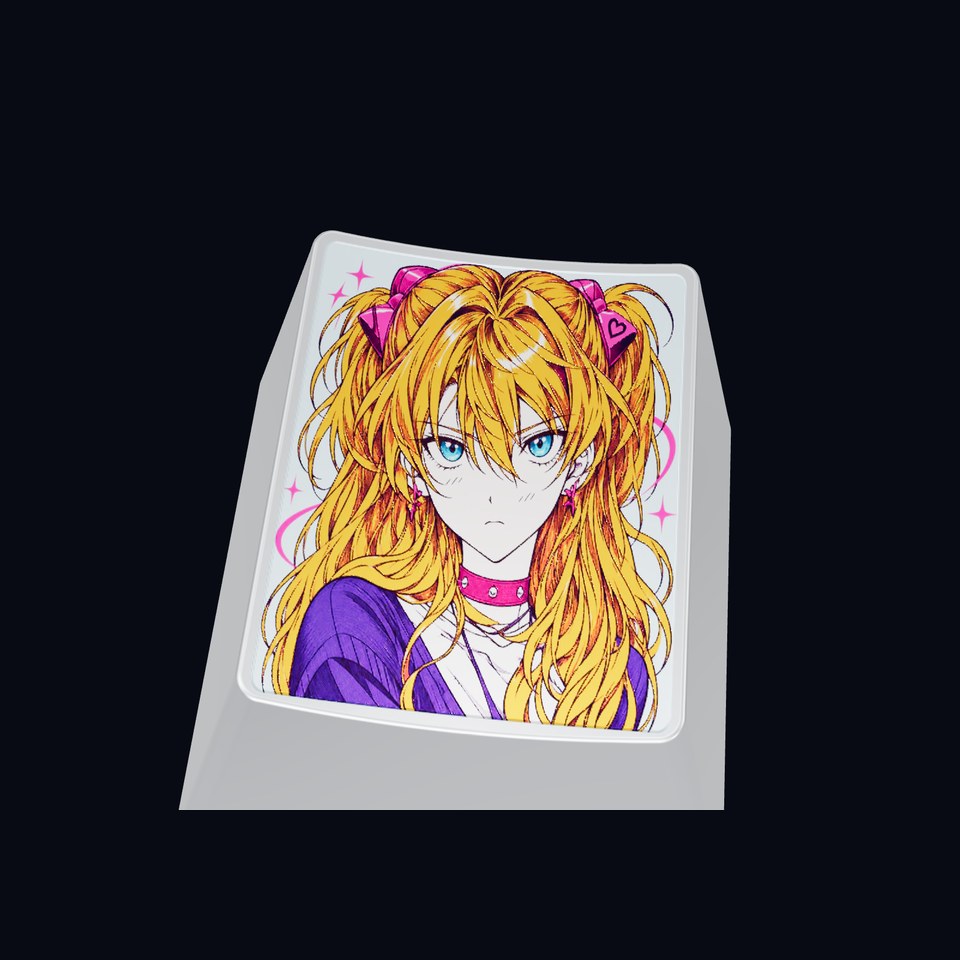
The top is where the artwork meets the shape. This Cherry R1 study pairs a concave surface with a rounded rim, keeping the full character image inside a visible metal border. The illustration shows how a small picture can follow a curved face while leaving the outline of the keycap easy to read.
The interactive model is a material study. When comparing ti keycaps, look at both the artwork and the surrounding edge in the actual product photographs. The model keeps its original neutral metal color as the top image changes. Before choosing ti keycaps, ask us to clarify any questions about the color and surface shown in the product photographs.
Get to know the detailsOriginal artwork studies
A character portrait can be the first thing you notice on a keyboard. A small symbol can be quieter. When choosing artwork for ti keycaps, start with the part of the image you want to recognize at a glance: a face, a silhouette or a personal mark. View it at the size of a single key, rather than judging only a large image on your screen.
Busy edges and tiny lettering deserve a closer look before you settle on a design. Compare the crop with the product photograph and neighboring keys. For an original artwork inquiry, share a clear reference and explain which details you want to keep.
These original graphic studies explore composition. They are not previews of a manufactured finish.
On the keyboard
Think about where you want the accent to sit before choosing ti keycaps. Compare its color with the surrounding keys and case, and check how the artwork looks from your usual seated position. A photograph of your own keyboard can help you explain the look you are aiming for.
These setups show how character artwork looks among clear keys and in a darker keyboard. They are useful references when comparing ti keycaps for your own desk. Before ordering, confirm the key size, stem fit, profile and clearance at the position you plan to use. The illustrated placement is not a compatibility guarantee for another keyboard. Share your board and switch details when a listing leaves a fit question unanswered.
Actual product photographs. Confirm compatibility with your own keyboard before ordering.
Custom studio
Have an idea for ti keycaps that you cannot find in the collection? Start with your image in the custom studio. Position the artwork, choose its colors, and compare the 2D and 3D previews before you decide how to proceed.
Upload a PNG, JPG or WebP of an original drawing, personal mark or image you have permission to use. Start with clear artwork for ti keycaps, and keep the details you want to recognize at a small scale.
Adjust the image placement and choose color references for its layers. Use the 2D top view to check the crop, then explore the 3D shape preview. Compare the artwork with your keyboard and the key position you have in mind.
Review the composition and the studio item’s price and availability before proceeding. Preview colors are references; the finished surface can vary. Contact us with keyboard-fit questions or details that need a production check before you place an order.
The studio preview helps you plan the composition. Confirm fit, finish and the order details before purchasing.
Ask about your ideaThe journal
Practical notes for choosing ti keycaps, comparing character artwork and planning a color direction. Start with the photos, then read about fit questions, finish details and preparing a reference for a custom request.
All articlesUse your keyboard setup, product photographs and physical samples to discuss a keycap color without relying on a screen swatch alone.
Read guide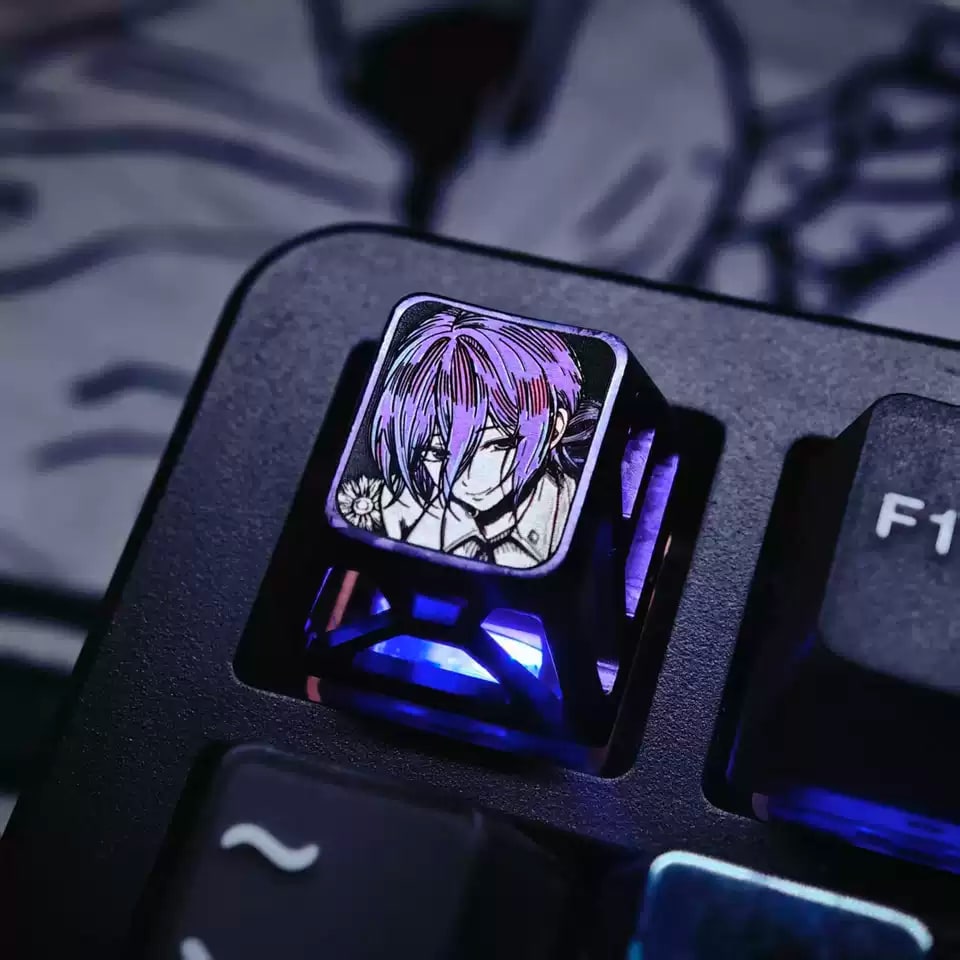
Turn an original mark or drawing into a clear custom request, with a simple composition and the right questions about the finish.
Read guide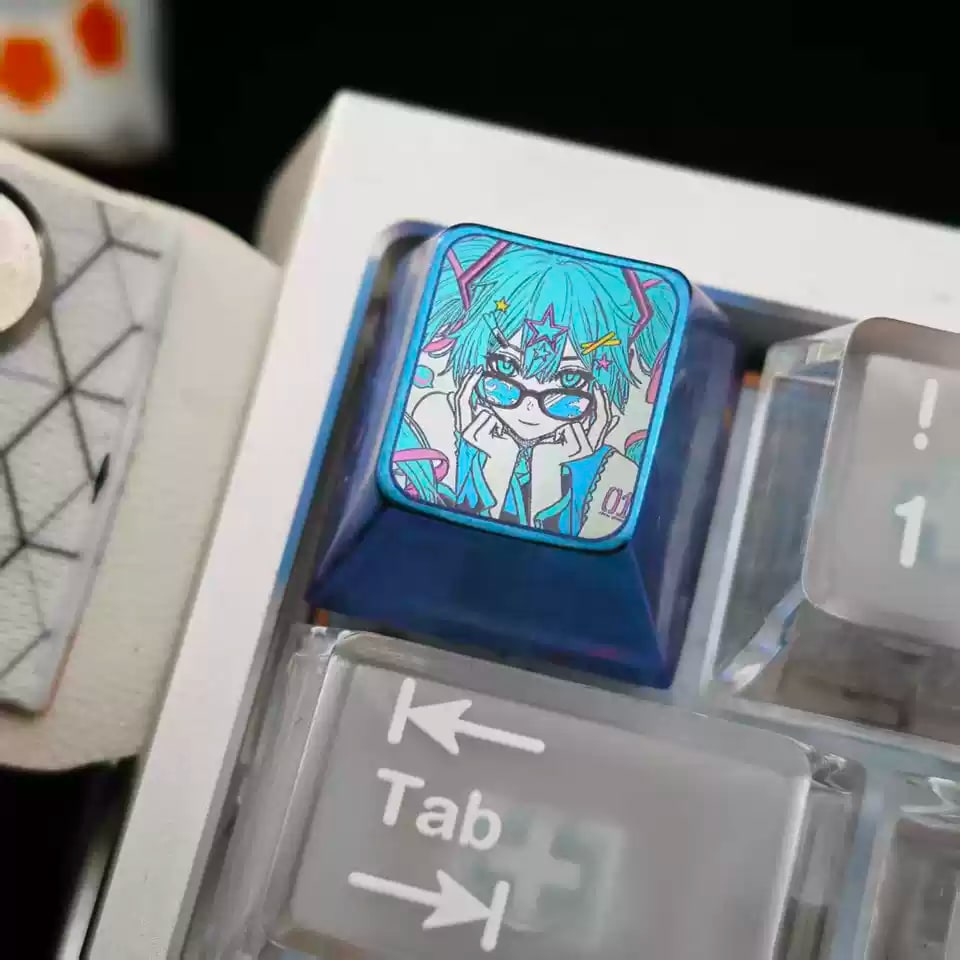
Check the key position, unit size, switch stem, profile and clearance before choosing a titanium keycap.
Read guideTi is the chemical symbol for titanium. This collection includes titanium keycaps in different sizes, with illustrated characters and other artwork chosen as an accent within a larger keyboard. The product photographs show the listed designs. Check the individual listing for its material description, key size and confirmed specifications.
Start with the key size, stem, profile and clearance around the intended position. A size label alone does not confirm compatibility with every switch or keyboard. Send your keyboard model and switch details before ordering if the listing does not answer a fit question.
Screen colors and the interactive model are visual references. Lighting, viewing angle and the finish itself can affect the appearance. Compare the actual product photographs with your setup. If a close color match matters, contact us before deciding. The spectrum graphics suggest directions for that conversation.
Yes. Open the custom studio to upload an image, adjust its position and choose colors. Compare the 2D top view with the 3D shape preview as you work. The homepage model remains an illustrative artwork study. Contact us if your idea needs a fit or production check before ordering.
The Cherry R1 model is a shape and artwork study. Its original neutral metal stays fixed while character previews change across the curved top. Those previews were reconstructed from product photographs. Use the photographs and confirmed details of the individual item when deciding what to order.
Prices, stock and purchase options are shown per item. The collection includes different key sizes and item-specific prices. Before choosing ti keycaps, open the product page to check the current price and stock, then review the delivery options and complete order price at checkout. Read the shipping, delivery and return terms before paying.
Find ti keycaps that bring a favorite character or a personal detail to your desk. Browse the photographed designs, check the individual listing, or send us an idea to discuss.